


Technical SEO audit: which issues should you fix first?
Start with barriers affecting important pages
A technical SEO audit should first identify problems that prevent commercially important pages from being reached, discovered or indexed as intended. Next come preferred URLs, internal links, mobile usability and performance. Every proposed fix needs example URLs, a cause, an owner and an acceptance test. A warning count is not a priority list: correcting one service-page template can matter more than clearing dozens of minor notices.
This guide is for business owners with an existing website who need to decide what to fund after an audit. For a Moldovan company serving Russian- and Romanian-speaking customers, assess both language versions. For an international business, include the actual markets and language routes in scope. When commissioning a technical SEO audit service, ask for an implementation plan rather than a crawler export alone. Establish whether the fee covers diagnosis, development or both.
Record the baseline before changing anything
List the URLs that support real business decisions: core services, categories, important products, contact pages and useful buying guides. Record their language, purpose, current status and intended preferred address. Compare that list with the sitemap, internal navigation and Search Console. This distinguishes pages that should appear in search from duplicates, filters and administrative routes that may reasonably stay out.
Save the crawl date and current settings. A Google report can describe an earlier crawl, so inspect the live URL separately from the stored snapshot. If a problem followed a migration, URL change or template release, document that event and the former addresses. Arrange a backup and rollback path before bulk changes. Diagnostic access should be limited to what the task requires; ownership of accounts should remain with the business.
- A crawler records page accessibility and links at the time of its visit.
- Search Console helps explain how Google discovered and processed a particular URL.
- Analytics and CRM records help trace enquiries, provided the events are configured correctly.
- Manual testing catches navigation, form and mobile problems that an automated export may miss.
Rank fixes by impact rather than report colour
Assess the affected pages, the breadth of the issue and the evidence that it creates a barrier. An unavailable service section generally deserves attention before a weak description on an old article. A single broken page can still be urgent if it sells the company’s main service. Consider implementation risk too: replacing canonical tags across a site without an agreed URL map can introduce new problems.
| Order | Confirmed issue | First action |
|---|---|---|
| First | A key section returns server errors, has an unintended noindex or loses its main content after rendering | Restore access and inspect several URLs using the template |
| Next | A preferred URL is wrong, internal links use old addresses or a new service page has no incoming links | Agree the URL map and align the connected signals |
| After basic barriers | A heavy first screen, unstable layout or difficult mobile enquiry form | Remove the bottleneck and retest the customer journey |
| Planned work | Missing optional schema properties or isolated metadata weaknesses | Check applicability and improve without inventing information |
This is a discussion framework, not a universal schedule. A form that loses enquiries needs immediate attention alongside urgent search issues. State whether each task affects one URL, a template, a language or the entire site. Group repeated warnings by root cause so that the team does not diagnose the same template defect separately for every page.
Separate valid exclusions from actual errors
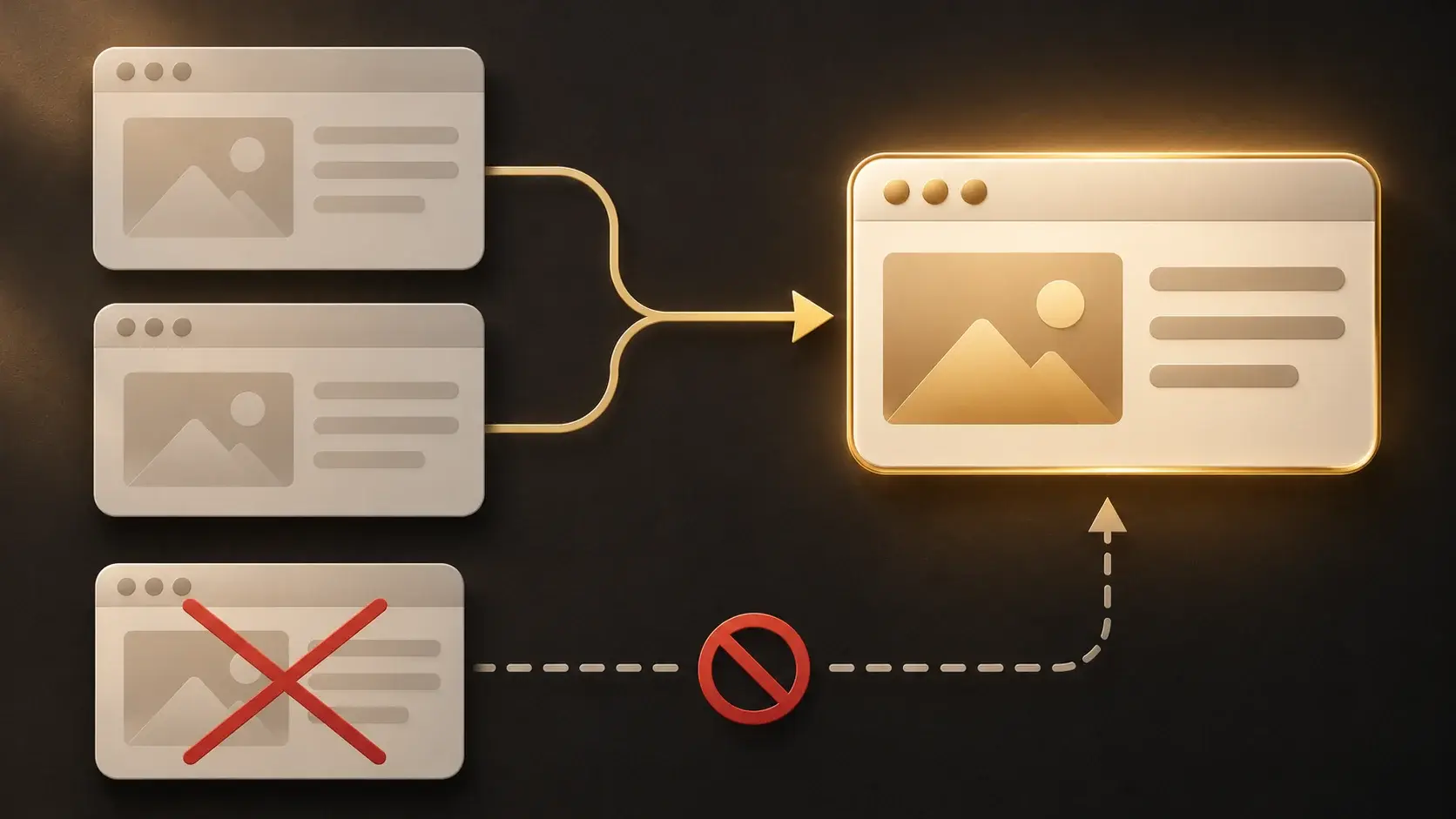
An “Alternate page with proper canonical tag” status can be expected for a duplicate. Confirm that the selected main address is accessible, matches the content and is the page you want in search. A canonical is a preference signal, not a guaranteed inclusion instruction. Google’s canonical URL guidance explains how redirects, canonical annotations and sitemap URLs can communicate a consistent preference.
Do not remove a useful page simply to clear a report. Content that has permanently moved needs an appropriate permanent redirect to a relevant replacement, with internal links updated. If a page is genuinely gone and has no replacement, a correct 404 or 410 response is not automatically a defect. Redirecting every removed URL to the homepage does not resolve the visitor’s original need.
Check robots.txt and noindex separately. Google’s robots.txt documentation distinguishes controlling crawling from preventing a URL from being indexed. A crawler must be able to access a page to read its noindex directive. Distinct translated pages need consistent preferred URLs, correct document languages and reciprocal hreflang annotations. Do not canonicalise every translation to Russian merely because they describe the same services.
Then test the experience of a real visitor
Follow the customer journey rather than a performance score alone: open a service, read the terms, choose a contact method and submit an enquiry. Heavy hero images, unnecessary scripts and a shifting submit button can obstruct that path. Test representative pages on phones and computers. Lab tests and real-user data answer different questions, and comparisons should use comparable conditions.
Google’s page-experience guidance explains that good Core Web Vitals do not guarantee top rankings. Technical optimisation should remove a demonstrated problem rather than pursue a perfect number at any cost. Do not remove useful information or a working form to improve a score. Agree a defined website support scope if the site needs ongoing monitoring after the initial repairs.
Review structured data as well. The type must describe the actual page, its properties must reflect visible information and its URLs must be valid absolute addresses. An editorial article can use Article or BlogPosting; a service page does not become a Product merely because it contains an offer. Correct markup helps machines interpret content but cannot replace it. Google recommends validating structured data during development and monitoring it after deployment. Never add invented ratings or reviews to satisfy a tool.
Accept changes against explicit tests
A useful development task describes the defect, example URLs, intended behaviour and verification. For example: “Romanian service pages point their canonicals to Russian pages. Preserve the distinct translations, set consistent preferred URLs and reciprocal language links, then inspect the published HTML on each affected template.” This is actionable in a way that “fix hreflang everywhere” is not. The developer should know the boundaries before starting.
| Change | Acceptance check | Insufficient evidence |
|---|---|---|
| Important URL accessibility | Server response, directives, readable content and a live URL check | A warning disappearing from a local export alone |
| Duplicates and former addresses | Redirect paths, canonicals, sitemap and internal links agree | Changing one tag without checking the destination |
| Form integration | A test enquiry reaches the recipient or CRM | A success message on screen alone |
| Speed and layout | A comparable repeat measurement and a functional manual test | One favourable score with different test conditions |
After deployment, crawl again and inspect examples from every changed template. Keep a record of the checks and release date. Request recrawling for important corrected URLs where the relevant tool allows it. A request does not guarantee indexing or a deadline. Monitor later crawling and enquiry delivery; historical reports may take longer to reflect the release.
Before commissioning work, agree the ordered backlog, task owners, required access, implementation costs and completion criteria. If diagnosis forms part of an ongoing engagement, use our SEO proposal checklist to separate auditing, development and recurring work. The useful outcome of an audit is a defensible decision about the next actions, not merely a shorter list of coloured warnings.

Discuss your website’s technical priorities
Send your website URL, priority services, languages and available audit reports. We can discuss the audit scope, implementation responsibilities and acceptance checks.
Discuss an audit