

Where website enquiries get lost and when a CRM helps
Quick answer: follow one enquiry through to a reply
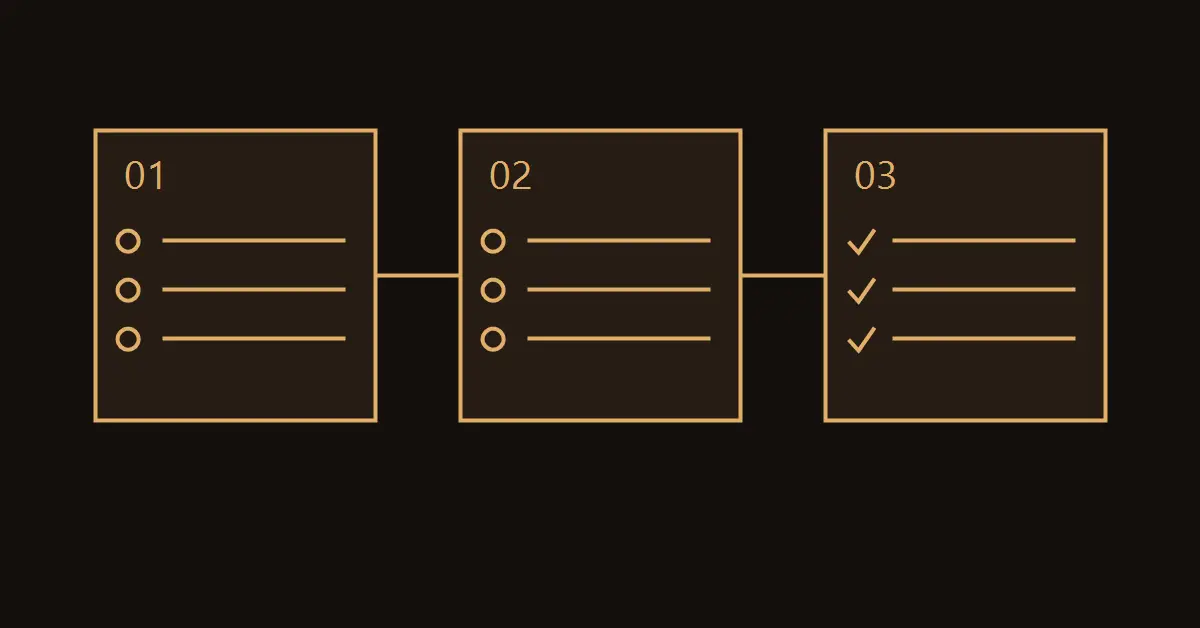
If website enquiries are going missing, follow one request from the submit button to a staff reply. Send a test from your phone, find the stored record and check who owns it. When the record is missing, fix delivery from the form. When the record exists without a response, assign an owner and a deadline. A customer relationship management system, or CRM, helps once your team struggles to keep that process reliable by hand.
Distinguish submission, delivery and response
A success message tells the visitor that the form accepted their submission. To check the business process, look for the saved request, the assignment and the first reply. Each is a separate event. If the form displays an error, start with its required fields and submission settings. If the visitor sees a success message but the team cannot find the request, look at the submission log and the connection to the destination. When the request is present, verify that the right person is alerted and that someone covers holidays and days off. Ask that person to show where the next action is recorded.
| What you see | What to check | How to accept the fix |
|---|---|---|
| The form fails to submit | Fields, errors and the button on a phone | A test works and errors appear next to the relevant field |
| The page confirms, but no record arrives | Submission history and delivery connection | The tagged test record appears in the register |
| The enquiry arrives, but nobody replies | Assignment, alerts and cover | The duty owner can see it and records a next action |

Map every channel that receives real enquiries
List the contact form, phone, email and messaging channels where people contact the business. Write down where the original message appears, who checks it and where the outcome is recorded. An analytics event for a click to a messaging app does not establish that the customer sent a message. Count incoming messages separately. Apply the same distinction to clicks on a phone number and actual calls. Review an anonymised example from each channel. If people often move from the website to a messaging app and then to email, agree how to keep the conversation attached to one request without losing its history.
Consider a furniture workshop in Moldova. Measurement enquiries arrive from the website and customers share extra details over a messaging app. The team keeps one record per project and notes what they still need for a quote. If a request arrives on Friday and needs a reply on Monday, it should be visible both to the usual owner and to the colleague covering. That gives the customer a consistent conversation and saves them from repeating the details.
Decide whether a shared register is enough
For a small business in Moldova with one person handling a low number of enquiries, a shared register can be a practical starting point. Capture the time, channel, contact, status, owner, next action and due date. Limit access to staff who need it for their work. A CRM becomes useful when several people share the inbox, many customers require follow-up or the owner needs to spot overdue tasks without reading every conversation. Agree on a few stages the team can recognise and define who moves a request from one stage to the next. Decide how the system handles repeat submissions from the same person, including legitimate requests for different services.
A sample register entry could read: 20 Nov, 10:15 · website form · measurement request · duty manager · confirm the address and offer two slots · due by close of business. Use fictional contact details in tests and keep real ones in an approved workspace. When several colleagues receive the same notification, set one owner for the request. The other staff can see its status and step in if that owner is away.
Run acceptance tests before switching over
Submit a request from a phone and another from a desktop. Label them TEST-MOBILE and TEST-DESKTOP so staff can find them independently. Check the contact details, the request text and the assignment. Submit a second request with the same contact details and check whether the system links it or creates a separate record as intended. In a test environment, pause one notification with the team's agreement and check that a staff member can still find the request. Test each separately configured form, including translated versions. Record who checked each result and what they observed so you can repeat the test after future changes.
Review the first week of working data
Compare the number of enquiries the business received with the records it kept, using a consistent rule for spam and repeat submissions. Look at unassigned requests, overdue follow-ups and time to first response. At low volumes, trace individual records instead of judging a percentage in isolation. In a hypothetical week with ten requests, suppose eight were answered and two were left without owners. The first fix is a clear assignment rule and backup owner. If all ten were assigned promptly but replies took too long, look at staffing and the team's agreed response times. The purpose of the review is to find the point that needs attention.
Discuss your enquiry workflow
Show us where enquiries come from and how you keep track of them today. AV Group can help you work out what to fix first and which tools are worth connecting.
Discuss your enquiry workflow →